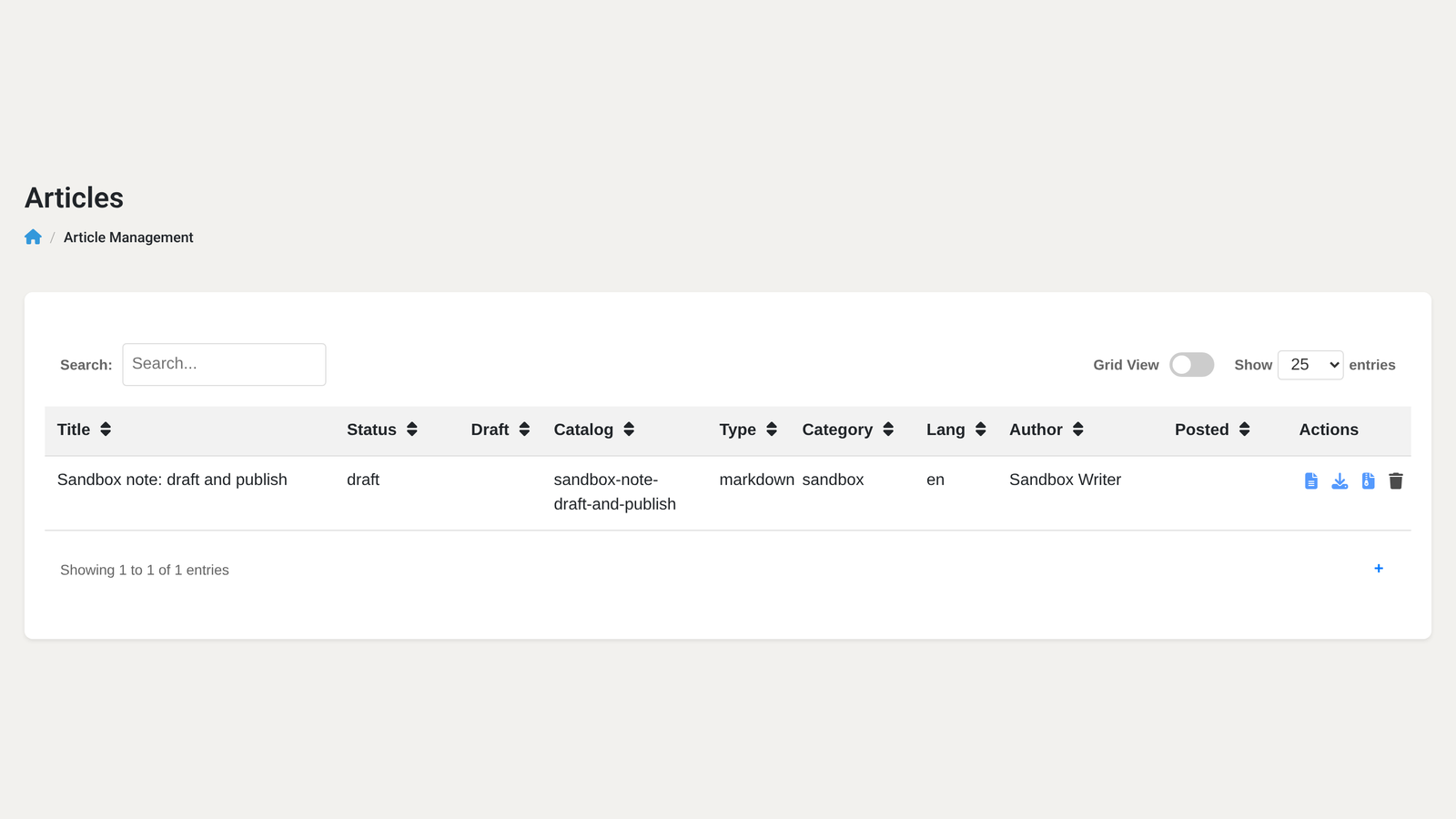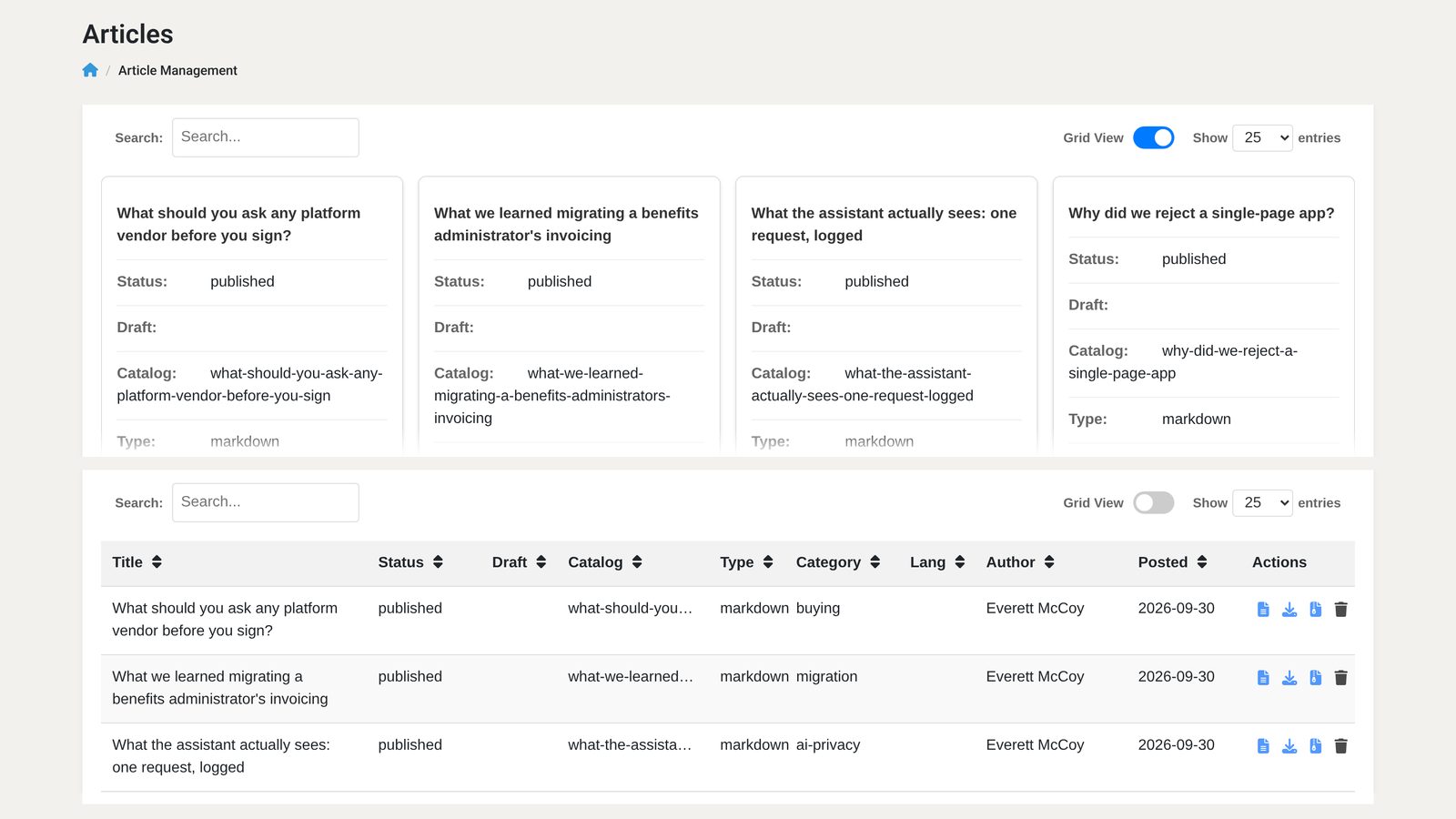
WebEdify, MACRIM's .NET application platform, gives you a production-grade data table — sortable columns, live search, pagination, external filters, and file export — from declarative HTML markup and a markdown command. You do not install React, DataTables, or npm packages, and you do not maintain a bundler. The platform ships an embedded table engine (webedify.tables.js) that hydrates <@table> tags at runtime and talks to your server through a standard load endpoint.
What does a minimal server-side table look like?
A working table needs three pieces: a stable table id, a deferred data source, and column definitions. The data source runs only when the table requests a page — not at initial page render.
<@table id="appointment-table"
        mode="server"
        pageSize="25"
        pagination="25,50,100"
        responsive="true"
        filterSelectors=".apptfilter">

  <@command name="search"
            group="models/appointment"
            defer="true"
            status=""
            begindate="2026-09-23" />

  <@download name="CSV" format="csv" filename="appointments.csv" />

  <@column title="Date" prop="appointment_date"
           sortable="true" sortFormat="Date" defaultSort="desc" />
  <@column title="Provider" prop="provider_name" sortable="true" />
  <@column title="Status" prop="status" sortable="true" />

</@table>
Place filter controls anywhere on the page with a shared CSS class (apptfilter above). When a user changes a dropdown or types in a search box, the table refreshes automatically. Sorting is declared per column with sortable="true"; in server mode the built-in search box scans all values returned for each row, including values behind hidden columns. Shape the command result to the fields you want searchable.
This pattern is live today in tenant dashboards — appointment-cycle widgets in Medhelp, invoice lists in PAG, and the pilot-requests admin screen on the marketing site itself.
How does server mode actually work?
Setting mode="server" means the browser fetches rows page by page over AJAX rather than embedding the entire dataset in the initial HTML. Each request posts to /edify/tables/f94a5c2e-a0bd-4f80-a8bd-54372dbc764a/load with the current page, page size, search term, sort column, and any filter values.
On the server, WebEdify executes your deferred <@command> (or <@relay> / <@resource>) through the full processing pipeline — the same command that would run anywhere else in the application. The middleware then applies search filtering, column sorting, and pagination to the returned rows before sending JSON back to the browser.
That is server-side command execution with AJAX paging. It is not database-level pushdown: the command runs, results materialize, and filtering and sorting happen in application memory on the returned set. Server mode reduces browser payload; for large or expensive datasets, keep the command bounded or push filters into its repository query so each request does not materialize more rows than the application should process.
For smaller datasets where you want zero round-trips after first paint, use mode="client". The command still runs server-side at render time, but all rows load into the browser and sort, search, and page locally.
How do you add CSV or PDF export?
Exports are declared as <@download> child tags inside the table — not through a table-level export attribute. Each download becomes an item in the table's export menu:
<@download name="CSV" format="csv" filename="invoices.csv"
           columns="invoice_number,status,customer_name,total_amount"
           headers="Number,Status,Customer,Total" />
<@download name="PDF" format="pdf" filename="invoices.pdf"
           xslt="/xsl/invoices.xsl" />
When a user clicks an export option, the browser requests /edify/tables/f94a5c2e-a0bd-4f80-a8bd-54372dbc764a/download/. The request forwards the page query and values collected through filterSelectors, then reruns the full data pipeline unpaginated and streams the matching transform (csv, json, xml, yaml, pdf). The source command must consume those forwarded filters. The table's built-in search term and in-memory sort are not reapplied by the download path.
Supported formats map to built-in INodeTransform implementations: CSV for spreadsheets, JSON for integrations, PDF when you supply an XSLT stylesheet.
How do you connect external filters and custom columns?
External filters are ordinary form inputs linked by filterSelectors. A status dropdown, date range, or search box with the matching class sends its values with every table load:
<select id="filterStatus" name="status" class="invoicefilter">
  <option value="">All Statuses</option>
  <option value="Open">Open</option>
  <option value="Paid">Paid</option>
</select>

<input type="search" id="searchTerm" name="term"
       class="invoicefilter" placeholder="Invoice #, customer..." />

<@table id="invoice-table" mode="server"
        filterSelectors=".invoicefilter" ...>
  <@command name="search" group="models/invoice" defer="true" />
  ...
</@table>
Filter values become form variables on the table request. A deferred command can read them directly, or you can forward them explicitly with attributes such as status=""; non-system command-tag attributes become command parameters.
Custom column rendering uses a JavaScript function inside the <@column> body — still no framework, just a function that receives the row object and returns HTML:
<@column title="Customer" prop="customer_name" sortable="true">
  function(row) {
    return '<a href="/admin/invoice?id=' + encodeURIComponent(row.id)
         + '&segment=' + encodeURIComponent(row.segment || '') + '">'
         + (row.customer_name || '—') + '</a>';
  }
</@column>
Always pass segment from the row when linking to existing records. In All Plans mode the user's default segment may not match the row's owner.
How do you add row editing?
The table supports inline editing and dialog editing. Both require an explicit persistence path — the table does not guess where to save.
Dialog editing (most capable): link the table to a <@form dialog="true"> by matching dialogId on the table to id on the form. The form posts to your save command; a short success callback refreshes the table.
<@table id="contact-table" mode="server"
        editing="dialog" dialogId="contact-form"
        save="api|models/contact|save" savekey="id"
        showAdd="true" ...>
  <@command name="search" group="models/contact" defer="true" />
  <@column title="Name" prop="name" sortable="true" editable="true" />
</@table>

<@form id="contact-form" action="/api/models/contact/save"
      method="POST" dialog="true" validate="true"
      success="contactFormSuccess">
  <@elements autofill="true">
    ...
  </@elements>
</@form>
Inline editing works the same persistence rule: set save="api|models/invoice_item|save" (or model="invoice_item") on the table. Invoice line-item entry in PAG uses inline editing with an explicit save command — edit in place, commit on blur, server persists through the model API.
Without save= or model=, inline edits update the browser display only. Always wire persistence before calling a table "editable."
When should you use <@results> instead?
For read-only exploration — a quick grid in the AI workspace or a research screen — <@results> combines data loading and table rendering in one tag. It auto-discovers columns from the first row, supports search and sort, and includes a CSV export button through its own allowExports attribute. It is intentionally simpler and does not support editing or custom download formats.
Reach for <@table> when you need editing, <@download> formats, custom column renderers, grid view, or dialog forms. Reach for <@results> when you need to see data fast.
How can you try the table tag?
Start from the contact-management table example in the platform documentation — it demonstrates server mode, external filters, dialog editing, and save wiring in one page. Then adapt the deferred command to your model's search handler and pair the <@table> reference with the data-management guide for the table-to-dialog-to-form lifecycle.
If you want to see this running against your own data, talk to us about a dedicated environment — we stand one up in days, not months.