Yes. WebEdify, MACRIM's .NET application platform, treats each screen as a template file plus the commands it calls — not a monolithic front-end rebuild. You can route one new URL to a modern page while legacy systems keep running, move one plan's invoices before the next, and promote template and command changes through version lanes while production users stay on the current cut. Modernization is additive until you choose cutover, not a freeze-and-rewrite program.
What counts as a "screen" in WebEdify?
A screen is three concrete artifacts:
- A template — HTML with WebEdify tags (for example,
invoices.htmlordashboard.html). - A route — URL mapping, by filename or an explicit pattern in application settings.
- Commands — markdown files that load, transform, and save data the template references.
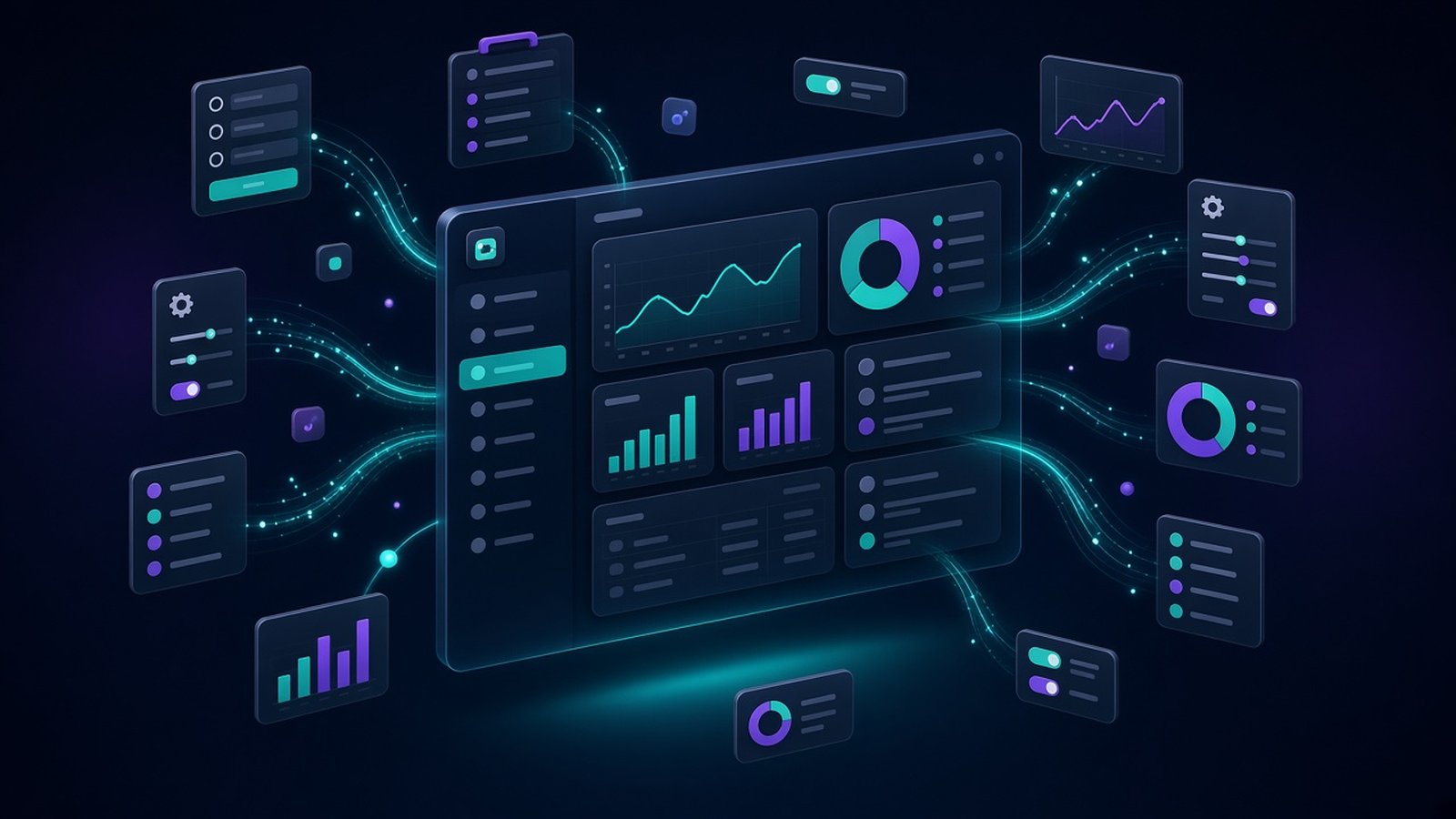
There is no npm install, no bundler, and no separate SPA deployment for that page. How it works step three states it plainly: screens are templates, not builds. Tables, forms, charts, and dialogs are tags backed by commands.
That granularity matters for migration. "Replace the invoicing module" becomes "ship /admin/invoices on WebEdify while legacy billing still holds history" — one template, one command group, one admin menu entry at a time.
How do new pages coexist with a legacy application?
Many engagements start with two systems live at once: the existing line-of-business app and a growing WebEdify surface.
Single sign-on without replacing login day one. When both applications share a user store, a legacy app can mint a short-lived ticket and redirect the browser to WebEdify:
https://your-app.example.com/edify/auth/legacy?ticket=&returnUrl=/dashboard
WebEdify consumes the ticket, loads roles and segment context, writes the normal session cookie, and sends the user to the target page. Password login and ticket login can run side by side — legacy handles Monday's workflow; new pages open from the same identity.
Shared data, phased commands. Commands name repository profiles explicitly. A list step can read legacy SQL today and Cosmos tomorrow; the template tag string stays stable while you repoint the command. Relay tags call external HTTP APIs when the system of record has not moved yet.
Admin beside old ops tools. Operations staff often keep a familiar legacy screen for edge cases while daily work shifts to WebEdify admin tables and forms. Because both can authenticate the same user, you are not forcing a single cutover Saturday.
None of this requires announcing a rewrite. You are narrowing scope to the next page that pays for itself.
How do you move data incrementally?
Bulk migration in WebEdify is declarative — markdown command groups that transform source rows into platform-shaped documents and persist in batches.
Typical pattern for a benefits or billing vertical:
| Step | Purpose |
|---|---|
| Extract contacts | Copy headers; normalize keys to segment:id |
| Explode nested JSON | Addresses and payment methods into first-class records |
| Transform invoices | Map legacy line items and ledger rows to billing vocabulary |
| Dry-run by default | Transform without write until an operator passes commit |
| Scope by segment | One employer plan or customer partition per run |
A dry-run invocation returns transformed nodes for inspection; commit=true runs save-batch against the target profile. Optional segment parameters limit blast radius — migrate one employer plan before you migrate the rest of the book.
Re-runnable steps matter: tick conversions, backfills, and "only rows missing field X" jobs are designed to run again without duplicating work.
Application-mode commands use join, merge, aggregate, and list processors — the same vocabulary as operational features — so migration logic stays reviewable alongside the screens it feeds. Custom reshaping that no processor covers belongs in a short, named code step or a dedicated processor in your library, not a one-off script folder nobody audits.
Document and archive migrations follow the same shape: category copy, blob profile mapping, log fidelity, chain commands for "all documents" when you are ready.
How do you ship UI changes without freezing production?
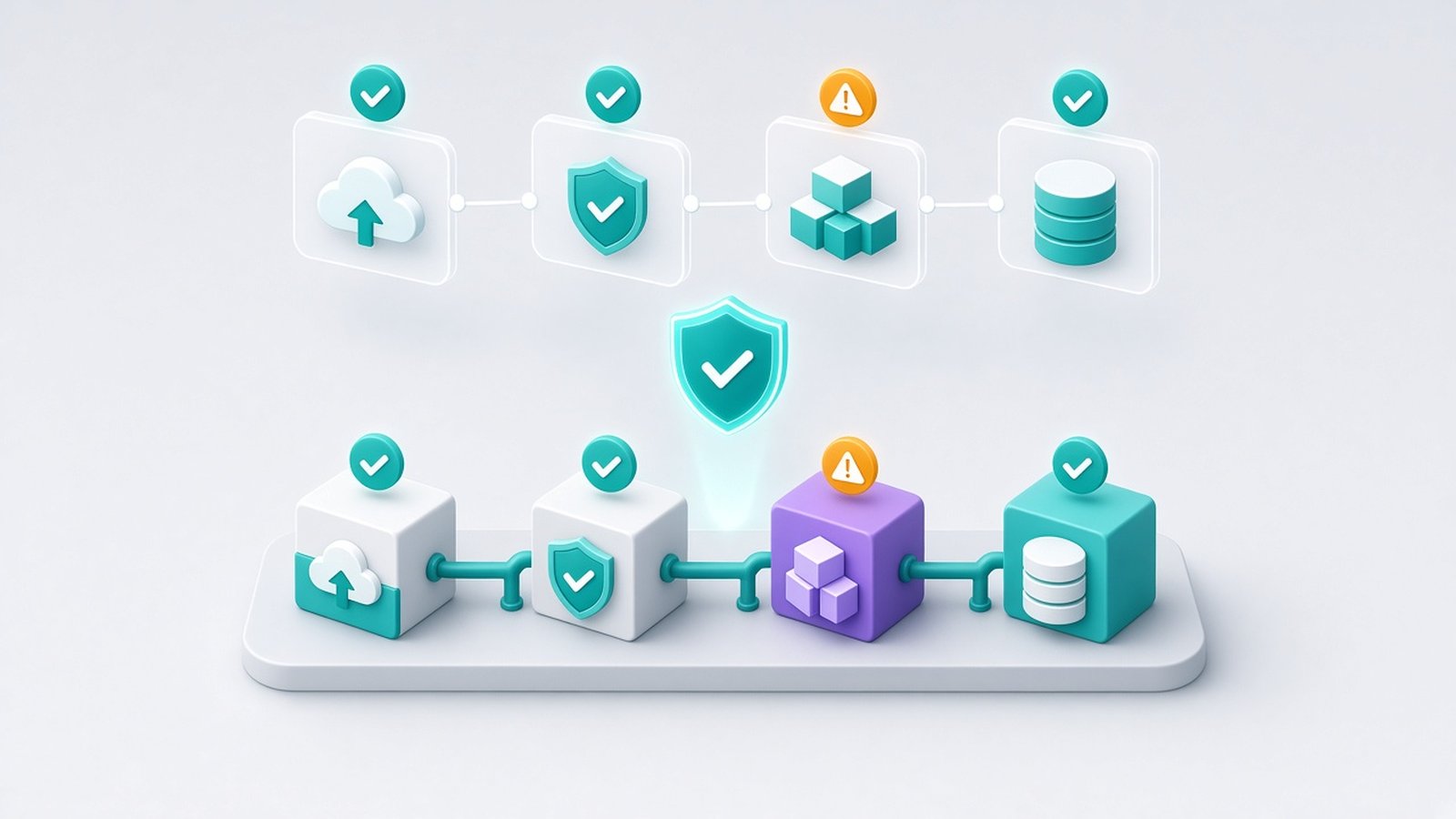
When WebEdify.Platform.Database is registered, file and command rows sit on a version axis. Developers work above the production cutoff, preview against the configured data connections, and promote by advancing the production pointer. Production keeps resolving at its current cutoff until that change.
With WebEdify.Platform.Git, non-production lanes are sparse branch overlays over deployed production files. Developers preview an active branch, merge it explicitly into staging, and promote by snapshotting production disk and applying the overlay's writes and tombstones. Advancing Config.Version is a separate step.
Both approaches keep work isolated until an explicit promotion. Applications using the base file services retain the conventional Git-and-deploy flow. Features and Why WebEdify describe the buyer-level result: production stays unchanged while the next screen is reviewed.
What does incremental modernization look like in practice?
A realistic sequence for a regulated back-office client:
- Stand up environment — dedicated hosting, identities, legacy SQL and new Cosmos profiles configured (Pricing onboarding covers this once).
- First screen — admin invoice list reading legacy SQL via list processor; no write path yet.
- Parallel auth — ticket SSO from legacy portal link "Try new invoices."
- Scoped migrate — dry-run one segment; finance signs off; commit contacts and open invoices for that segment only.
- Write paths — save commands on WebEdify; legacy still authoritative for closed periods until reconciled.
- Next screen — payment method management, notices, scheduler hooks — each template added without retiring the old UI globally.
- Cutover — when parity and reconciliation pass, redirect legacy URLs and decommission the old module.
Enterprise engagements on Pricing exist precisely when environment count, compliance scope, or migration surface exceeds a standard band — quoted against actual work, not a shelf product.
Benefits-administration and healthcare patterns on Solutions reflect this incremental reality: complex joins and migration workflows against existing systems, not greenfield-only demos.
What makes incremental modernization predictable?
The scope stays visible. Integrations, reconciliation rules, and data-quality fixes are estimated as implementation work at the published $175–200 per hour range when they extend beyond platform primitives.
An entangled legacy surface may still produce a substantial command file, but the work remains bounded: one route, one workflow, and dry-runs before writes. Platform.Database can roll file resolution back by moving its cutoff; Platform.Git can restore its prerelease snapshot or prior Git content. Users can validate the first working slice while the next one is still being mapped.
WebEdify gives the migration team the same commands and processors used by production features. The people who learn the data on screen one build reusable knowledge for screen ten instead of leaving behind a separate script stack.
Which screen should you modernize first?
Name the single highest-pain screen — the report everyone exports to Excel, the invoice batch that fails every month, the admin form that only one retired developer understands. Request a pilot that delivers that one template against your data, with legacy coexistence spelled out in the plan. If the read-only version earns trust, schedule the first scoped migrate with dry-run sign-off before any commit flag.
For architecture context, see How it works and Why WebEdify. For commercial bands, see Pricing.